Domain
Buying a domain name
-
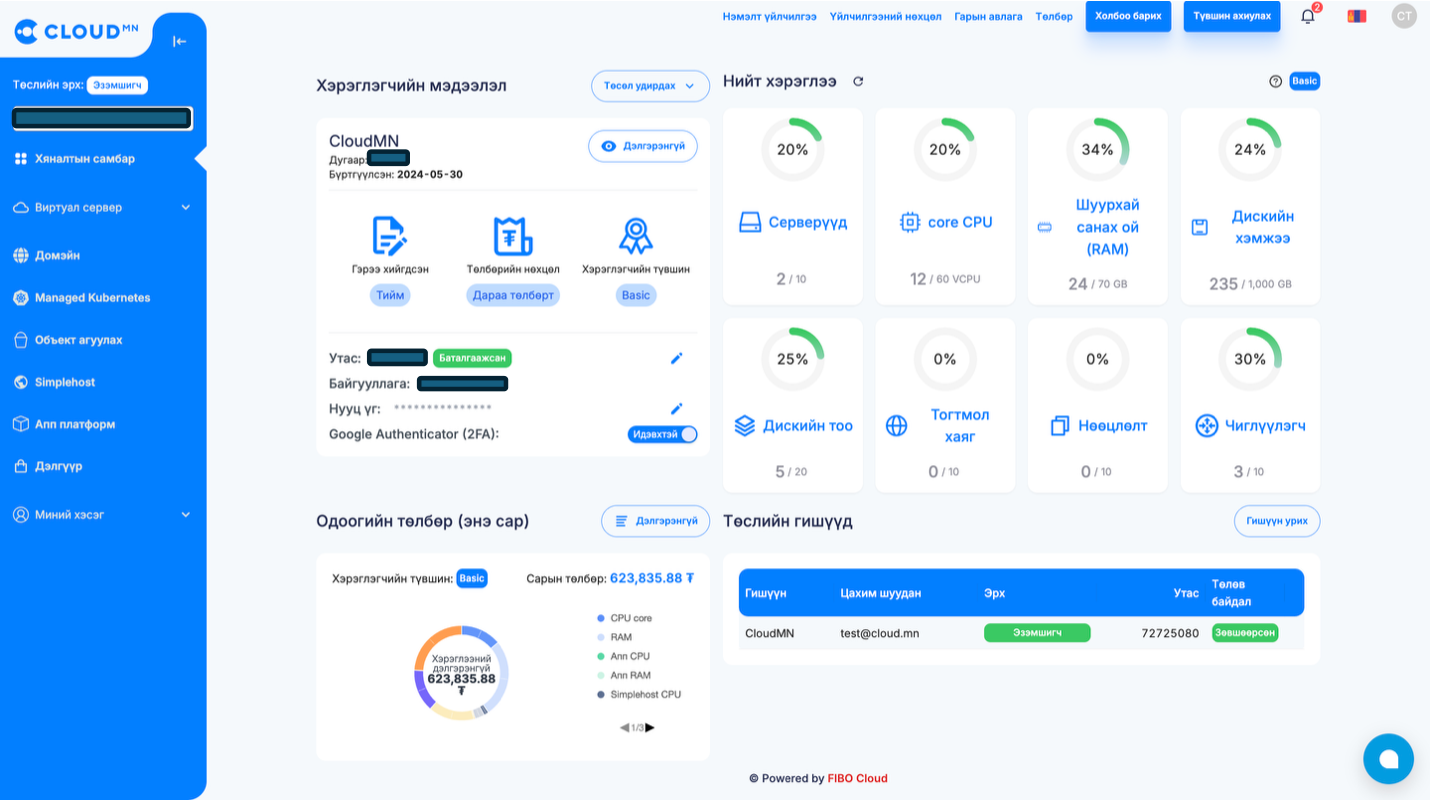
Log in to the user console (cloud.mn).
-
Select Domain from the main menu.
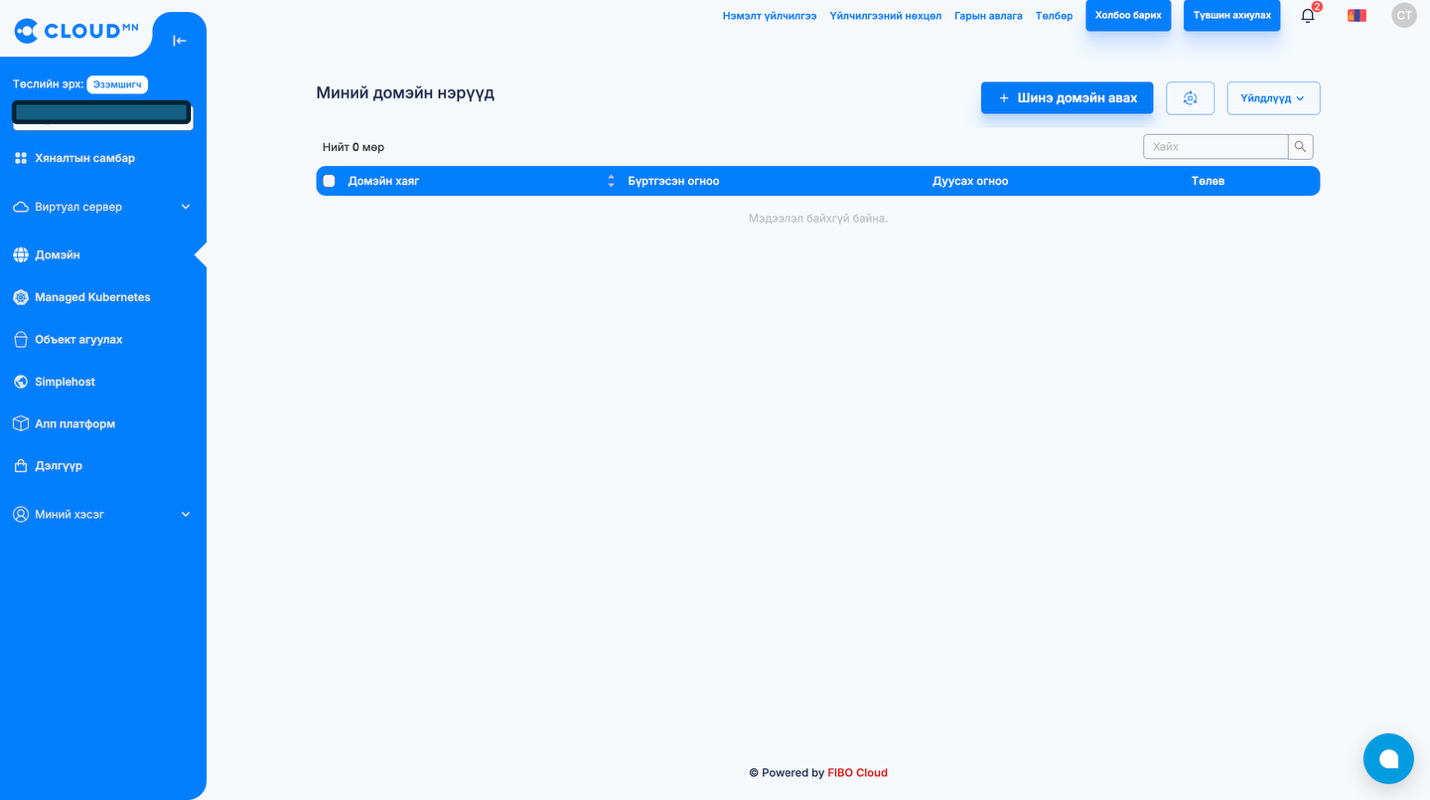
- In the Domain section, click Get a new domain.
- Search for the domain name you want.
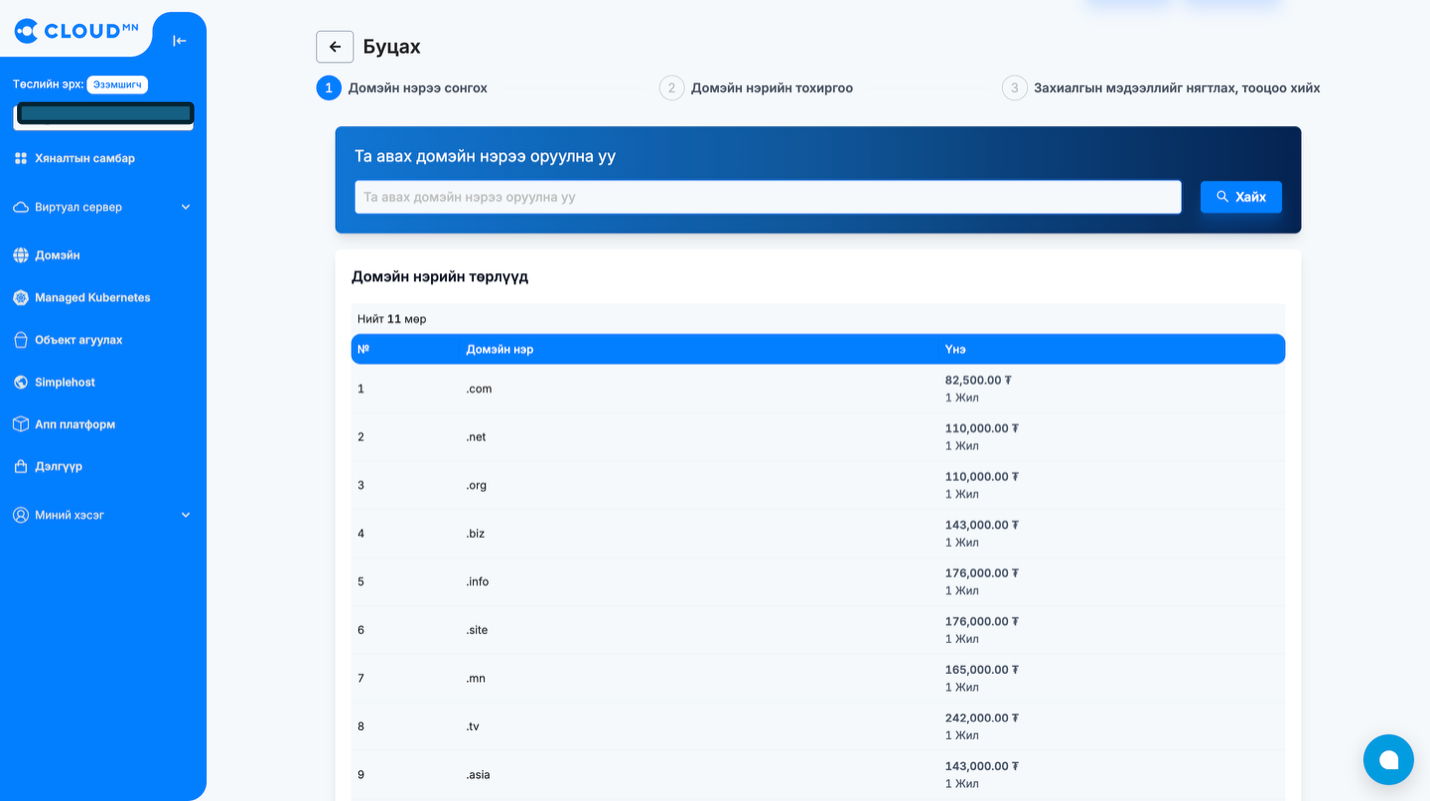
- Find the domain name you want and click Select.
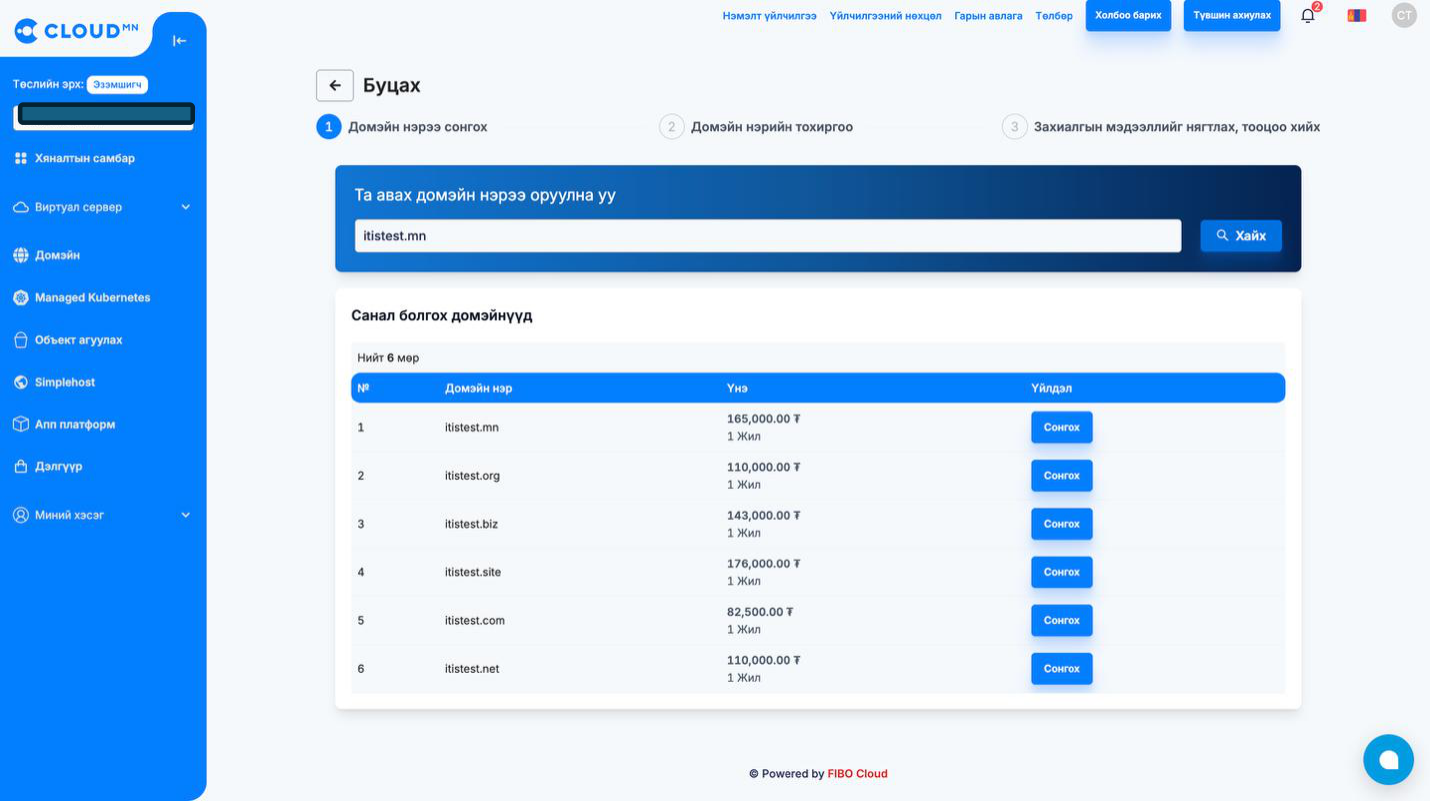
- Review the settings (nameservers) and click Continue.
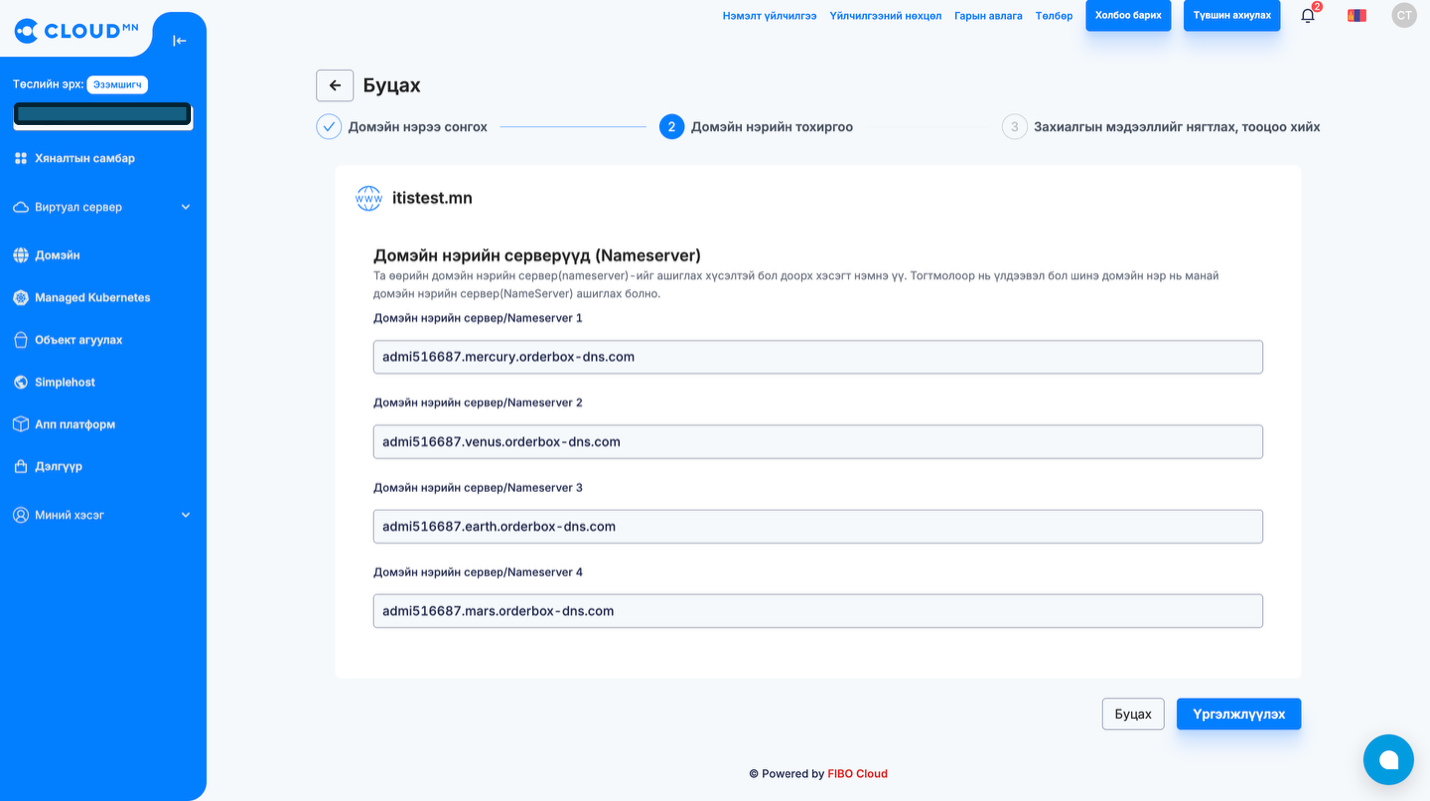
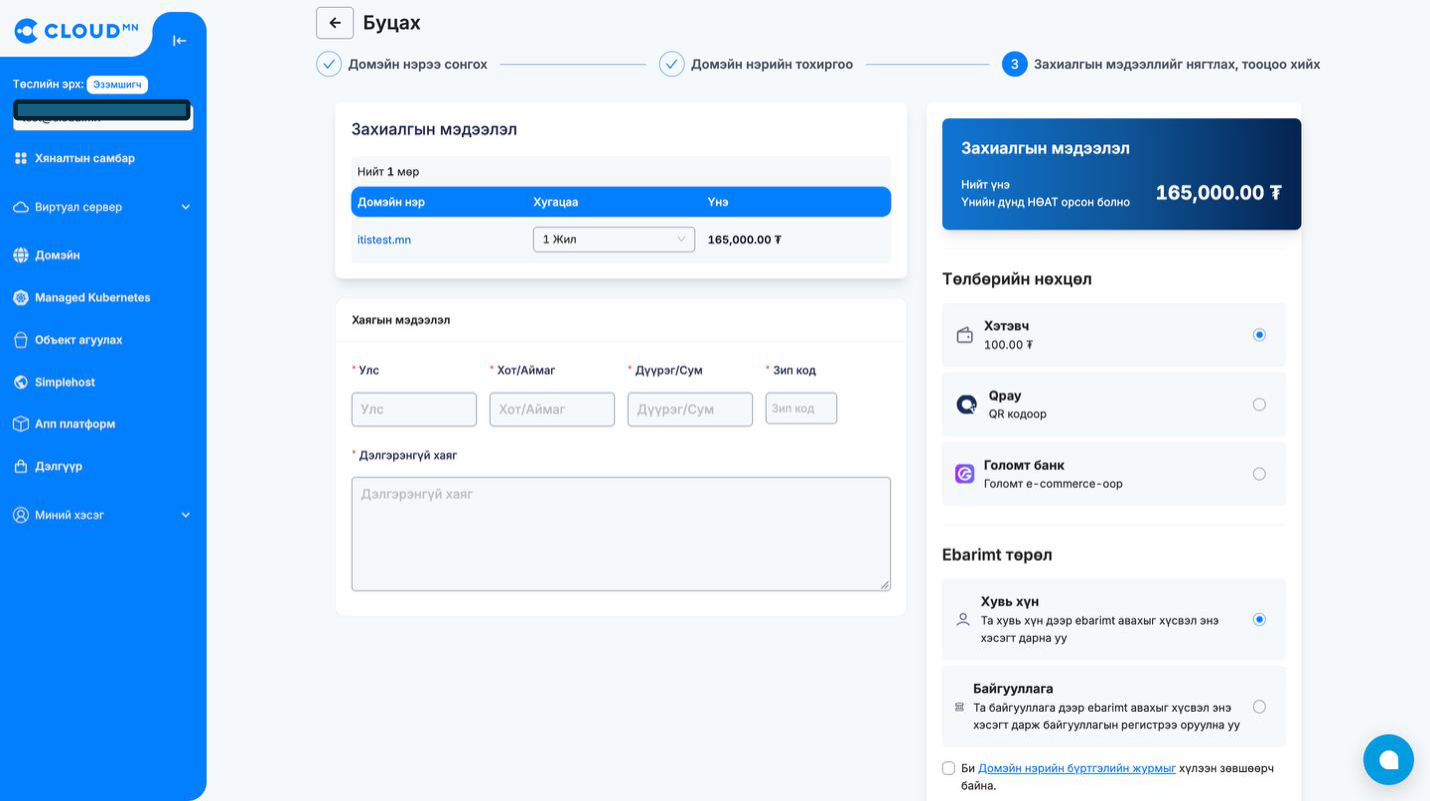
- Enter the registration period and your address information. Then choose a payment method and complete the payment to finish purchasing your domain.